Idlenet log #3
Now I have to add things with consequences in the game
Contents
Save files
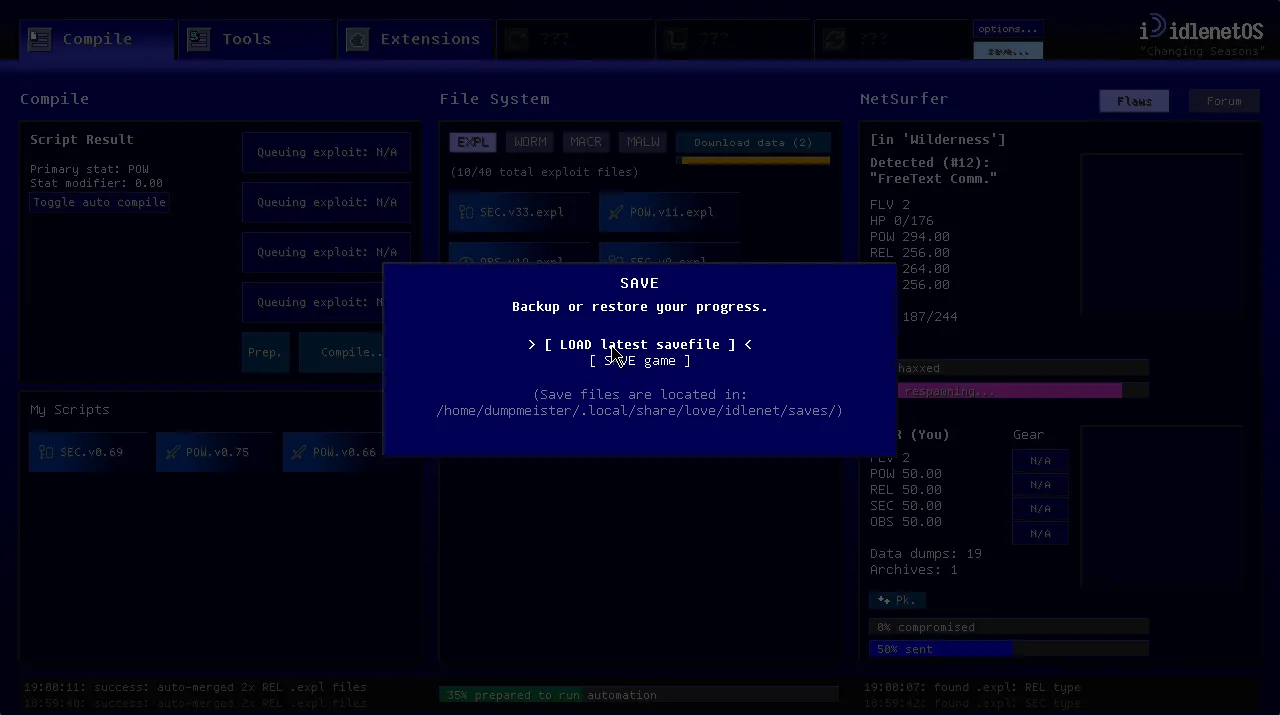
You can now save and load from save files in Idlenet! After weeks of sporadic work I can finally test things from various points of progress in the game.
It’s very simplified, but important game structures get serialized into Lua
string chunks using a library called
serpent, and then converted to a
long base64 string with love.data.encode("string", "base64", sav). Basically mimicking Kittens
Game’s save format. When it comes to save editors, I’ll probably end up creating
my own1 but I wouldn’t be surprised if others emerge. I don’t really care
about them, as long as it’s not braindead easy to cheat in the game as in right
click opening the save file in a text editor and that’s it. Now it’s a couple
extra more clicks to do the same thing. It’s a singleplayer game anyways.2
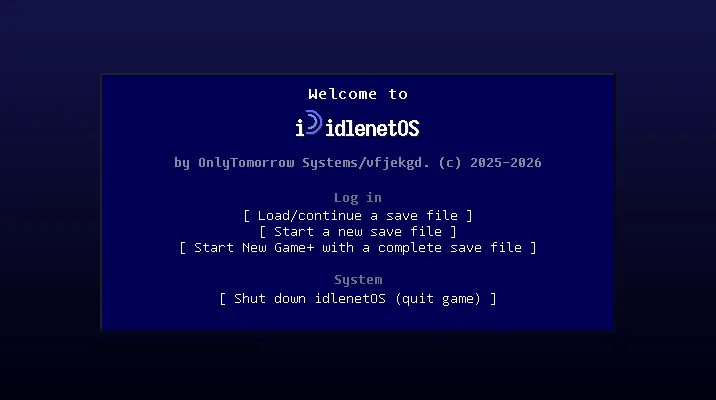
Login screen
There’s also a special title screen to go with it (still work in progress), but expect something similar to your average operating system’s user login screen.
Also the button for ‘new game+’ isn’t real and is 90% likely to not be in the final game given the direction I want to take it w.r.t. prestige/rebirthing systems but it looks cool and adds some filler on the menu for the screenshot. Imagine there also being a user profile image, either taking from their Steam user profile or a custom one.
In other news
One week I got bored and decided to add pop-up text that springs up like a damage number every time you merge items. Mostly useless but it’s there to see what gets merged each time the automation extension runs. I was originally going to have the item flash green but I couldn’t get it looking aesthetically pleasing so I ditched it and went with good ol’ MMO style.
Unlocks
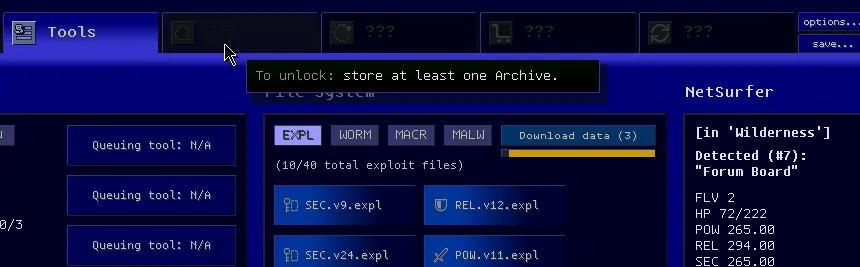
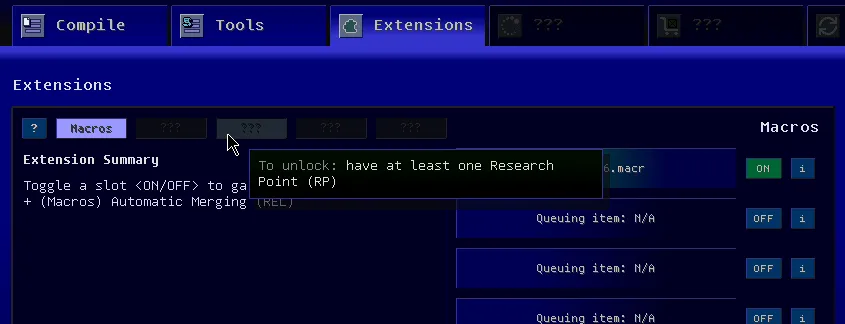
With the addition of saving and loading, I found it appropriate to implement progression gates and unlocks. The game will now remember various advancements you’ve made and will slowly unlock tabs and other features; standard idle game mechanics here. Each locked item will now display a hint for unlocking them when hovering over them.
Next step
To expand on data dumps as introduced in the previous log, they can be packed into Archives: which will serve as the foundational thing-you-need-to-collect-a-lot-of for the second “crafting” tree in the game. If you’re familiar with Kittens Game, it’s a lot like the Science manuscript → blueprint tree with a mix of titanium and zebras if you know what I mean. Basically it’ll be annoying to get and the thing you’ll have to babysit the game window for every once in a while. But my intention with it is to have it be automated fairly quickly, but that’s an explanation for another log.
Closing
As this year comes to a close, I’ll probably get the midgame done and hopefully ready for a Steam Next Fest, but no promises. Saving and loading was a relatively large milestone and now this whole thing with the archive crafting tree will add some meat to the game and have it be a decent demo. As far as private playtesting goes, it’ll likely be done through Steam. We’ll see.
Footnotes
-
Surprise surprise, it’d look a lot like this save editor. ↩
-
The save directory below will be hidden by default, it’ll say something like “click to reveal” ↩


